
WorkBench vs. Jobber: free core software, one flat fee.
Jobber and WorkBench both run scheduling, quoting, invoicing, and payments for home-service teams. The difference is the pricing model: Jobber is a per-user monthly subscription; WorkBench is free core software (full access for two users, not a trial) with flat-priced optional add-ons, funded mostly by a flat percentage of the payments you process through it.
Pricing and features change over time on both sides — the Jobber details here are general and public; check their site for current plans. WorkBench's numbers are exact and current.

| WorkBench | Jobber | |
|---|---|---|
| Pricing model | Free core software with full access for 2 users, not a trial. Optional flat-priced add-ons per company, from $25 a month: Voice (a business phone line), Pro (unlimited users and the ops tools, $89), and Gallery (job photos, coming soon). WorkBench also earns a flat 2.9% + 30¢ (card) or 0.75% + 30¢ (ACH) when a client pays through it — nothing charged if you never process a payment. | A monthly subscription with multiple pricing tiers, typically priced per user. Check jobber.com for current plans. |
| Seats / users | 2 included free, $10 a month each after that, or unlimited with the Pro add-on — owner, admin, sales, and tech roles on every plan. | Higher tiers generally unlock more users; adding seats can move you to a higher tier. |
| Payments | Card and ACH built in at one flat rate across invoices, quotes, and bookings — see the pricing page for the exact numbers. | Offers built-in payment processing (Jobber Payments) with its own published rates — compare directly on their site. |
| Client portal | A no-login, magic-link hub: invoices, agreements, messaging, and request-more-work in one place. | Offers a client hub with similar self-serve capabilities. |
| AI assistant | Atlas — a built-in assistant that can schedule, quote, invoice, and message on your behalf, always with a confirmation step. 10,000 free tokens every month; Atlas Full is $20/month for 150,000. | Has been rolling out AI features; check their current feature list for scope. |
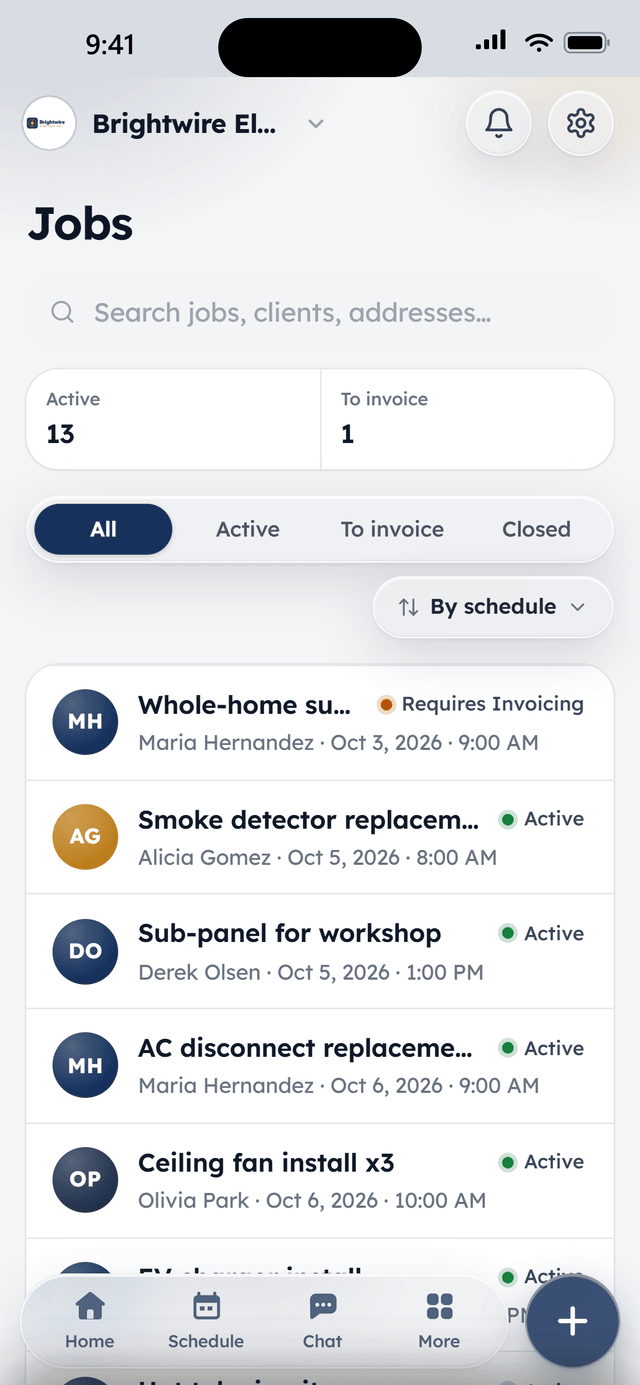
| Mobile app | Native iPhone app on the App Store, with offline schedule viewing on the job site. | Has native iOS and Android apps with field-service functionality. |
| Onboarding | Every company is reviewed and onboarded personally — invite-only while the team scales up support. | Self-serve signup with a free trial period. |
Fair's fair
Jobber has been at this since 2011 and it shows.
Jobber is a mature, widely-used platform with a large customer base across lawn care, cleaning, and home services, and a deep feature set built up over more than a decade. If a specific niche workflow matters more to you than the pricing model, it's worth comparing directly — this page focuses on where the two products differ structurally, not on ranking one above the other.
Where WorkBench is different
No monthly bill unless you add something
The core stays free, and there's no tier ladder to climb. If a busy season means five more techs on the app, that's $10 a seat, or $89 flat for unlimited users with the Pro add-on — never a jump to a bigger plan.
Atlas, priced for what it costs to run
The AI assistant works your scheduling, quotes, invoices, and messages under your account's own permissions. Every account gets 10,000 free tokens a month — real work, not a demo — and the $20 plan only exists for offices that want more.
One price book drives quotes and invoices
Set a service's price once and every quote and invoice pulls the same number — no separate price lists to keep in sync.
Personal onboarding
Because WorkBench moves real money, every company is reviewed by a person and onboarded directly — most are quoting and scheduling the same day they're approved.
From the field
Owners who run their day on WorkBench.
“I used to juggle texts, a spreadsheet, and a separate card reader. Now a customer books online, I send the quote from my phone, and they pay the invoice from a link. One app instead of five.”
 BrendanOwner, Excellent PC Building
“Install season is a sprint. WorkBench keeps every house on the route in order, the crew knows exactly where to go, and deposits are in before we ever pull out a ladder.”
 EdanOwner, Knight Light Christmas Lighting
Questions
Is WorkBench trying to be a cheaper Jobber?
Not exactly cheaper — structurally different. Jobber charges a monthly subscription regardless of how much (or little) money moves through it. WorkBench's core charges nothing until a client actually pays you, and then takes a flat cut of that specific transaction. The add-ons are optional and priced flat per company, so a growing crew never gets pushed up a tier.
Can I switch from Jobber to WorkBench?
There's no automated Jobber importer today — set up starts with a conversation during onboarding, where the team helps get your clients and price book into WorkBench.
Does WorkBench have everything Jobber has?
WorkBench covers the core of the job lifecycle end to end — booking, scheduling, quotes, invoicing, payments, a client portal, and an AI assistant. Jobber has been building for longer and may have niche features WorkBench doesn't yet; the features page is the accurate list of what's here today.
Free to start. Pay as the crew grows.
Free for 2 users, $10 a month per extra user, no contract. Sign up and we onboard your company personally.