
A client experience that looks like a company twice your size.
A magic-link portal — no account, no password — where clients see upcoming visits, review and sign agreements, pay invoices, request more work, and message your team directly. Notifications go out automatically, and you'll know the moment they've looked.

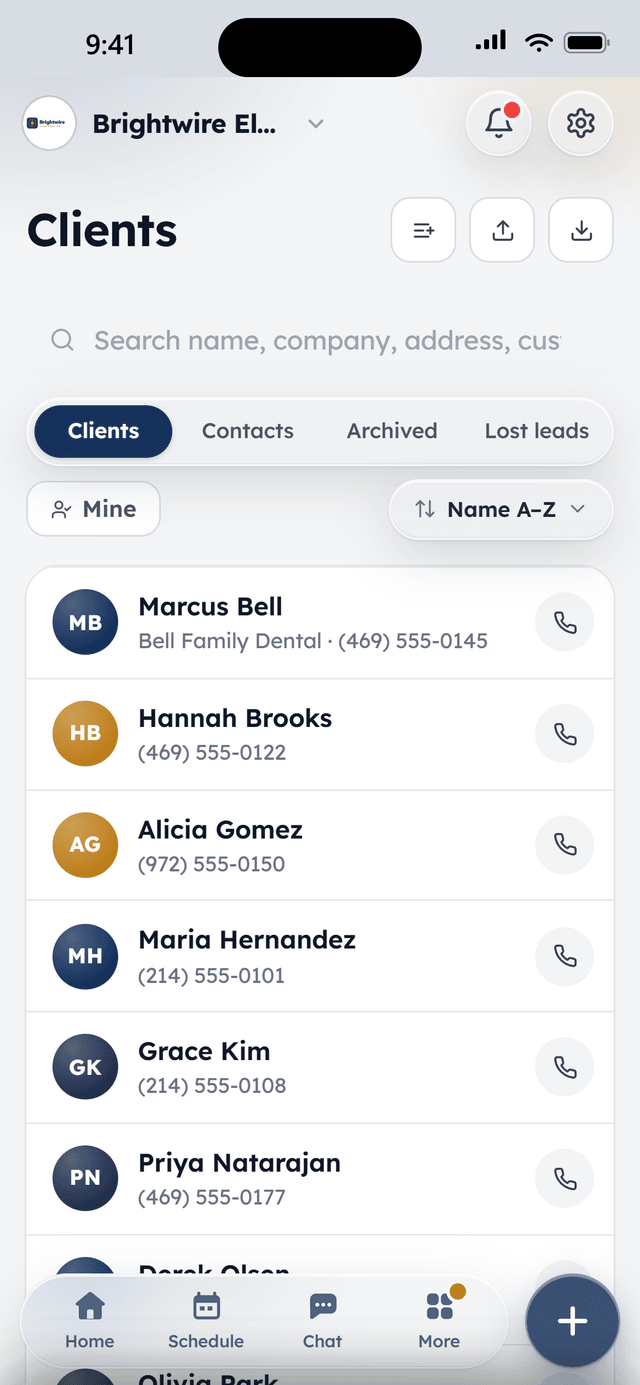
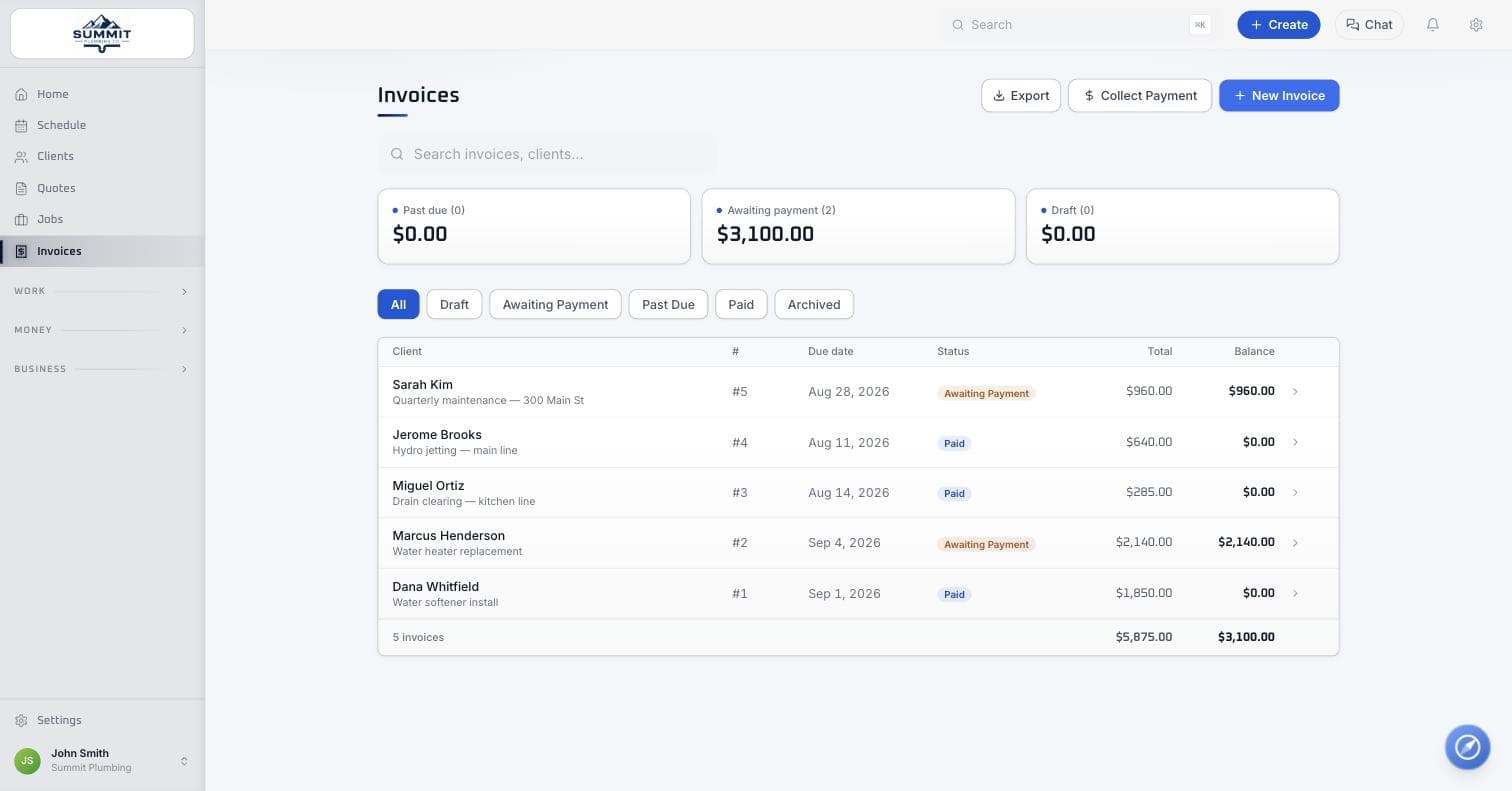
The same invoice a client opens from their hub link — a placeholder until dedicated hub screenshots are in.
How it works
A link goes out
Booking confirmations, quotes, and invoices all carry a magic link — no account for the client to set up.
They see everything in one place
Upcoming visits, invoices, agreements, and a message thread with your team, all in the hub.
They act without calling
Sign an agreement, pay an invoice, request more work, or send a message — all handled without a phone call to the office.
What's included
In Core, the free plan, unless marked with an add-on.
Client hub
A magic-link portal — no account, no password — where clients see upcoming visits, review invoices, sign agreements, request more work, and pay.
Two-way messaging
Clients message from the hub, your team answers from one shared inbox with unread counts — so the conversation lives in one place instead of six text threads.
Automatic notifications
Booking confirmations, visit reminders the day before and an hour out, payment receipts — all sent from your business, all without anyone remembering to do it.
Agreements & contractsPro
Service agreements and contracts with e-signature, stored on the client and visible in their hub.
Know when they've looked
See when a client opens a quote or document, so you follow up at the right moment instead of guessing.
Review requests
After a payment lands, WorkBench asks the happy client for a review and points them at your Google listing while the goodwill is fresh.
From the field
Owners who run their day on WorkBench.
“I used to juggle texts, a spreadsheet, and a separate card reader. Now a customer books online, I send the quote from my phone, and they pay the invoice from a link. One app instead of five.”
 BrendanOwner, Excellent PC Building
“Install season is a sprint. WorkBench keeps every house on the route in order, the crew knows exactly where to go, and deposits are in before we ever pull out a ladder.”
 EdanOwner, Knight Light Christmas Lighting
Questions
Does the client need to create an account?
No — the hub is a magic link. A client taps the link in a text or email and lands straight in their own view, no password to set or remember.
Can clients message us from the hub?
Yes. Messages from the hub land in one shared inbox on your side with unread counts, so a conversation lives in one place instead of six different text threads.
Can clients pay their invoice from the hub?
Yes — invoices, quotes, and agreements are all right there, and card or ACH payment is one tap away. See the payments page for the full rundown.
How do review requests work?
After a payment lands, WorkBench asks the happy client for a review and points them at your Google listing — while the goodwill from a job well done is still fresh.
Keep exploring
Free to start. Full access, not a trial.
Two users included, flat-priced add-ons when the crew needs more. Apply, and we'll onboard your company personally.